
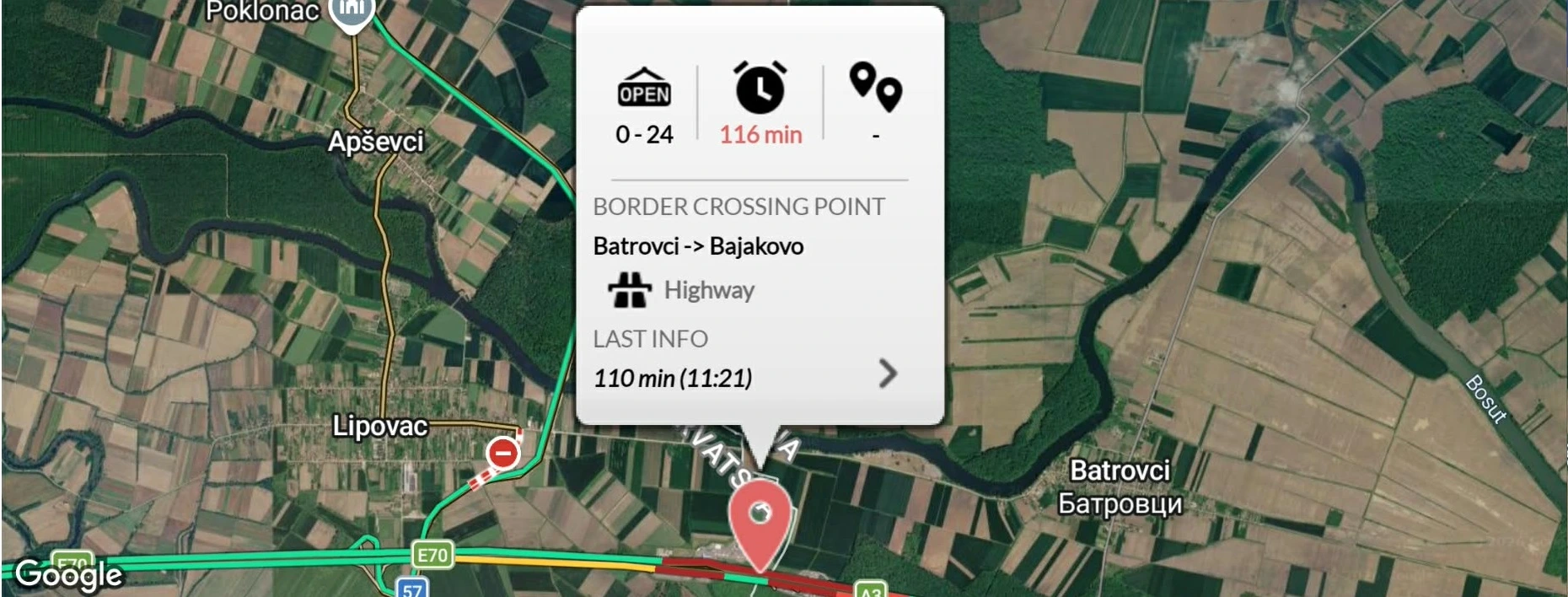
Roszke–Horgos connects Hungary and Serbia, while Batrovci–Bajakovo connects Serbia and Croatia. Both are key transit routes between Western Europe, the Balkans, Greece and Turkey.
Do not judge the situation by one waiting-time number alone. Check the report time, direction of travel, camera image, queue end and the detour to alternative crossings.
Roszke–Horgos motorway crossing
The crossing links the M5 with the A1/E75 and handles international passenger and freight traffic. It operates 24/7.
Roszke → Horgos
The queue can begin on the Hungarian motorway. An empty-looking Serbian camera does not prove that the whole crossing is clear.
Horgos → Roszke
Queues can form on the Serbian side and between the two checkpoints. Use recent traveller reports and the map position of the queue end to estimate the full wait.
Batrovci–Bajakovo motorway crossing
This crossing lies between the Serbian A3/E70 and Croatian A3 motorways and is the main Belgrade–Zagreb route. It operates continuously.
Batrovci → Bajakovo
Traffic toward Croatia and the EU may queue on the Serbian side or between the two border stations. Cameras may not show the entire line.
Bajakovo → Batrovci
Long queues can form quickly on the Croatian motorway. Check how recent the waiting-time report is, especially during summer peaks.
Possible alternatives
Depending on direction, nationality, vehicle type and opening hours, consider Roszke 2–Horgos 2, Tompa–Kelebija, Asotthalom–Backi Vinogradi, Tiszasziget–Djala, Kubekhaza–Rabe, Tovarnik–Sid or Ilok–Backa Palanka. Confirm that you can use the crossing before taking the detour.
Why a camera is not enough
A camera usually shows one gate group, terminal or short road section. It may not show the other country’s queue, congestion between checkpoints, vehicles waiting farther away or how many gates are operating. Compare the image with fresh reports and the queue end on the map.
Before you leave
- Check the correct direction at both crossings.
- Look at the time of the latest report.
- Compare the waiting time with the camera and map.
- Include the detour length in your calculation.
- Check again while travelling.
Official information
- Hungarian Police – border information
- AMSS – Serbian border cameras
- HAK – Croatian road and border information
Border conditions can change quickly. Traveller reports, camera images and official waiting-time data are for guidance only.